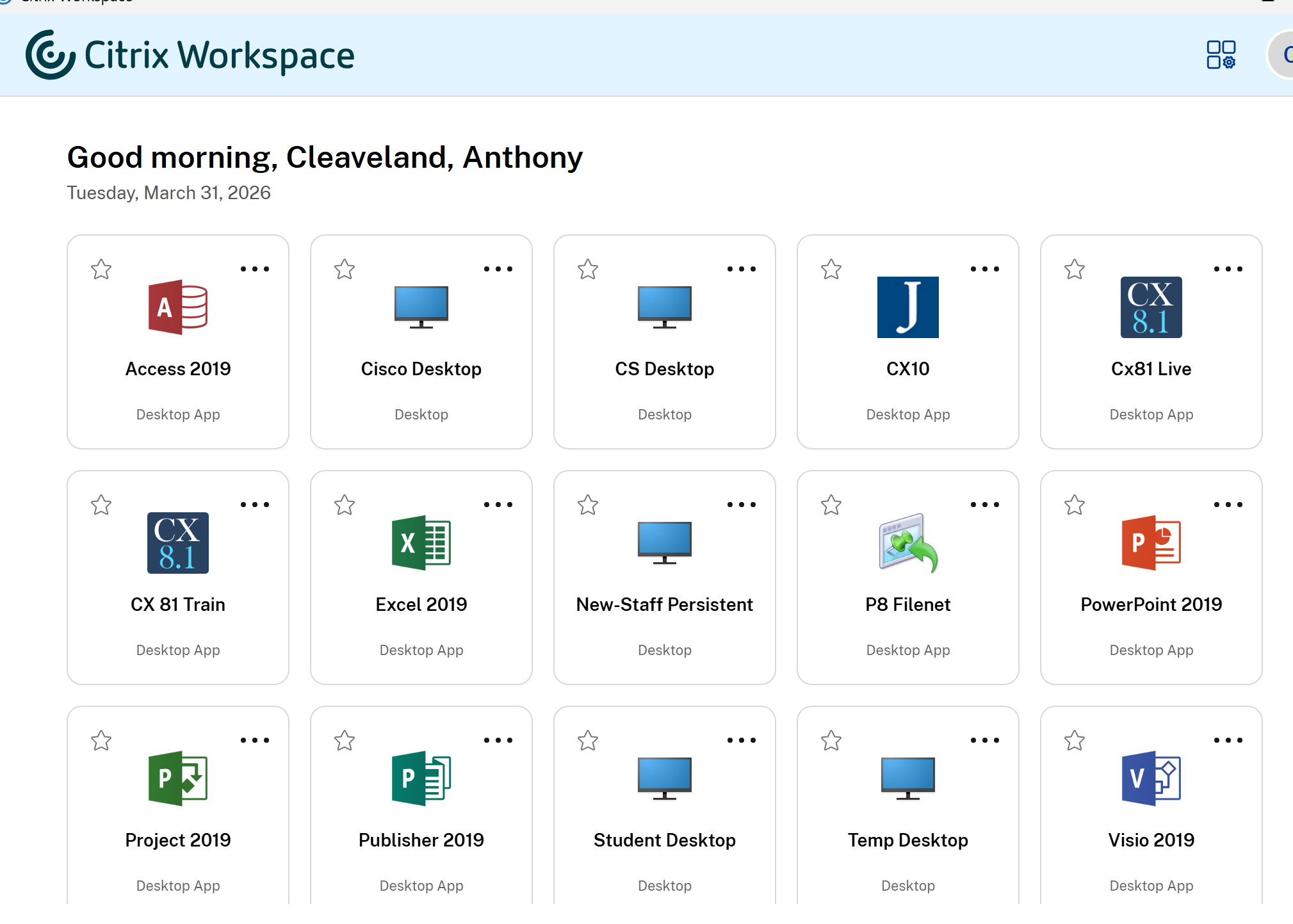
Citrix.park.edu may not redirect to the new Parkuniv.cloud.com inside citrix workspace so this guide will show you how to manually point to the new URL:
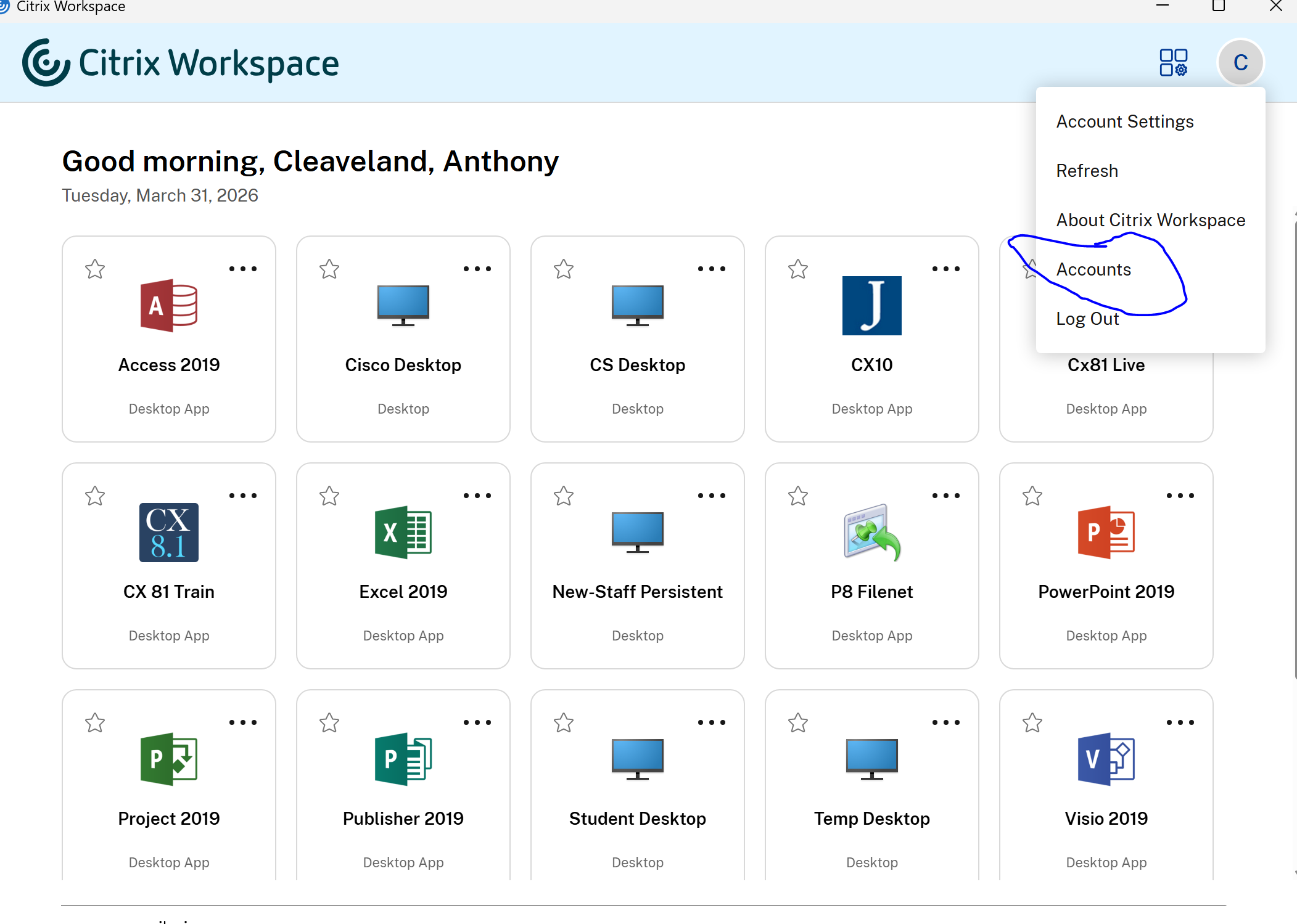
1. Click on accounts under the circle with your initials
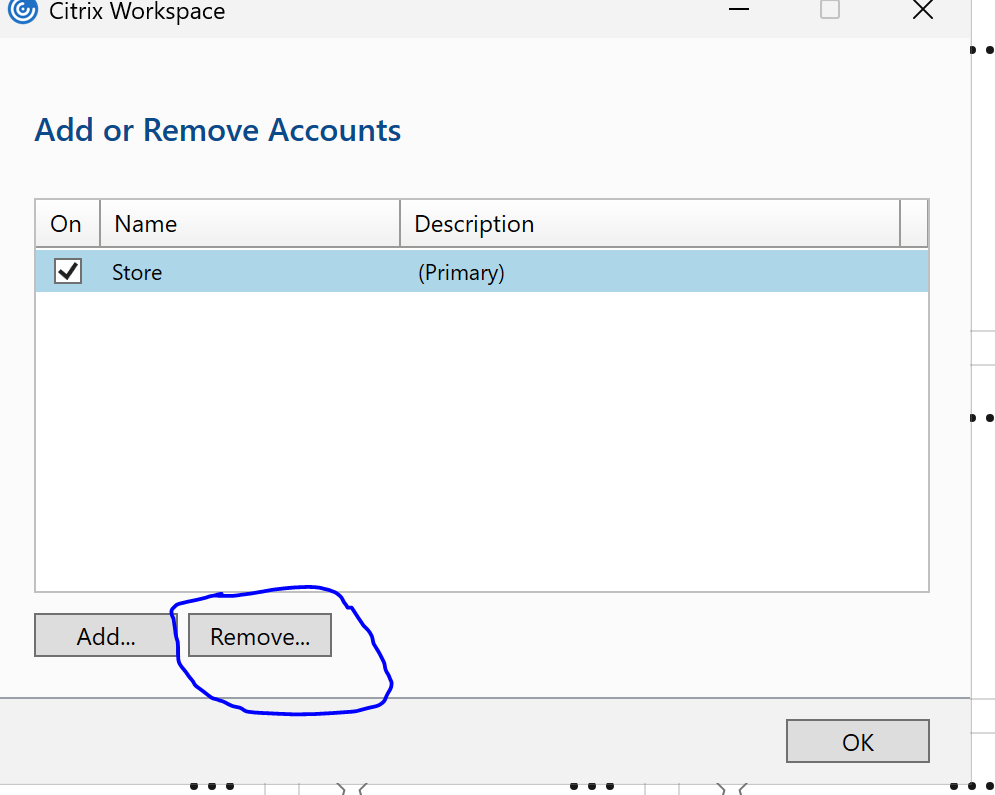
2. Click on remove to get rid of the saved old URL of citrix.park.edu
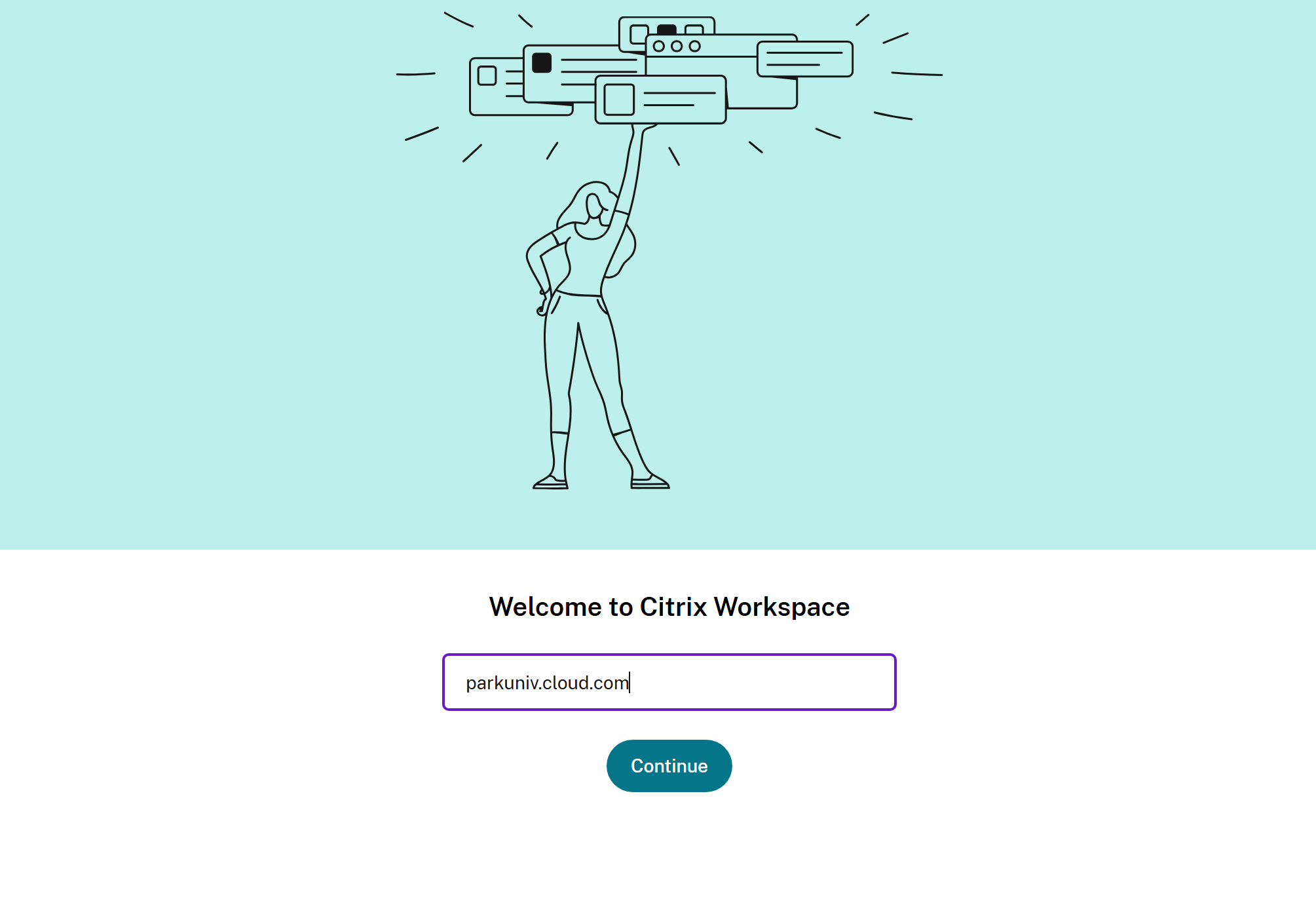
3. Type "parkuniv.cloud.com" into the box asking for server URL as shown below
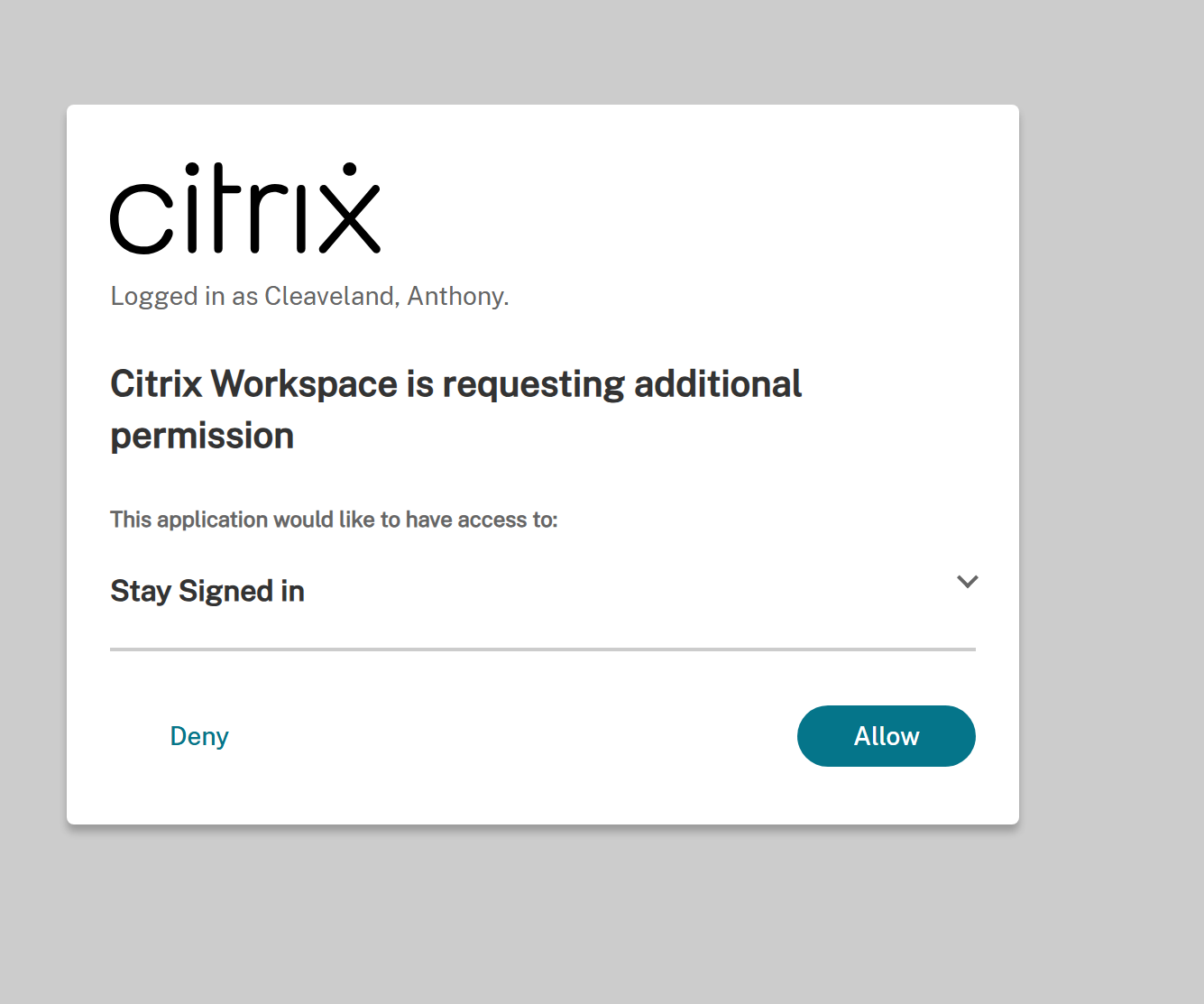
4. Log in uing your ParkID@Park.edu username and Park password. Then complete MFA and choose whether you want it to save your log in or to log in each time you use citrix workspace.
5. You will now have access to the citrix web apps as previously.